top of page

AI Scene Builder
Build custom worlds, product scenes, or complete outfits by placing clothing, accessories, and jewellery onto models—automatically matched with correct lighting, perspective, and style.
No design skills needed. Just upload, describe, and generate.
Our AI Scene Generator lets you combine multiple images to create any scenario you imagine. Generate landscapes, cityscapes, interiors, fantasy worlds, or custom settings while maintaining style and visual consistency. Perfect for illustrators, storytellers, designers, and creators who want full creative control and professional-quality results quickly.


Prompt: A cat and a dog standing in front of a village store. The cat is holding a gold coin.
Result
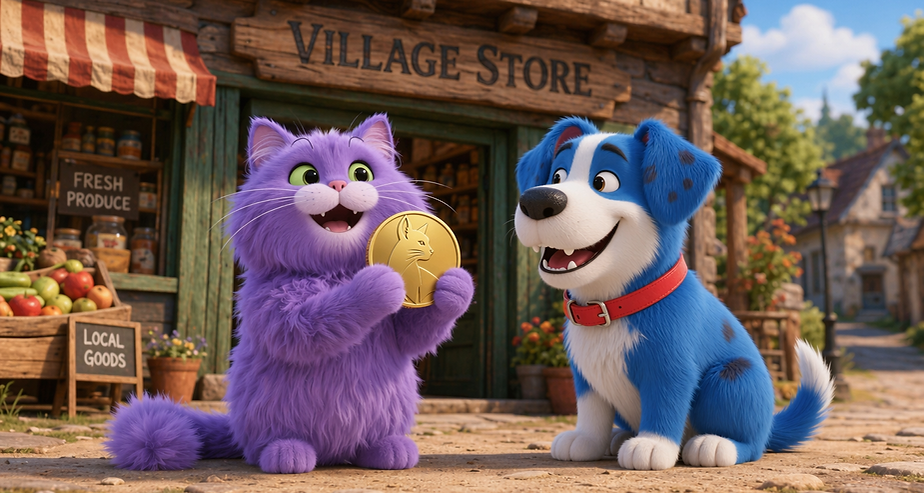
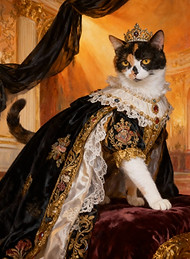
After using our Pet Portrait tool, create your scene.
.jpeg)
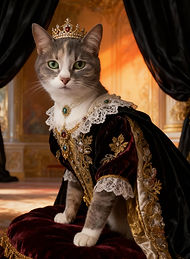.jpeg)
.jpeg)
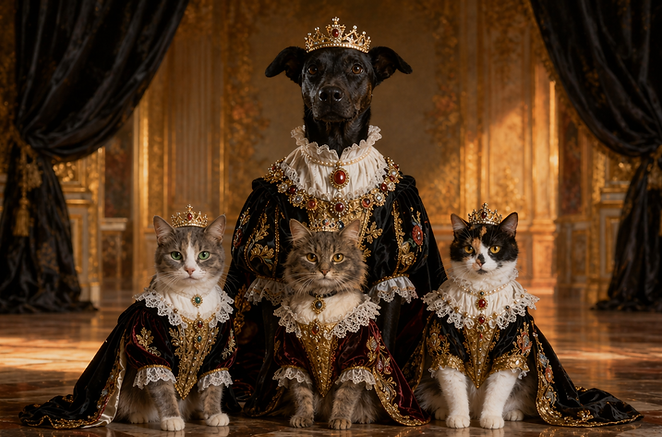
Prompt: The 3 small cats sit in front of a large dog. They are all sitting in a castle hall.
Result
After using our Model Creator tool, recreate any look.


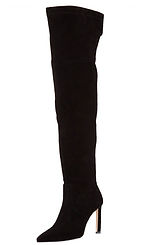

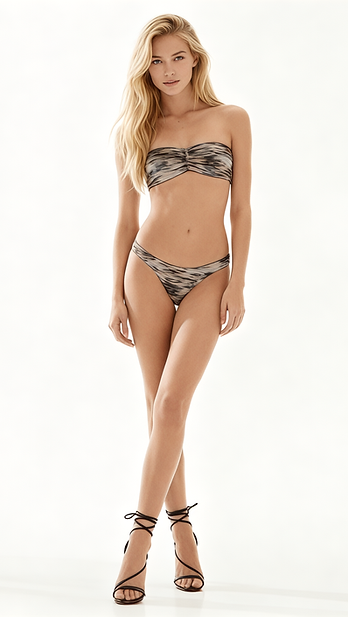
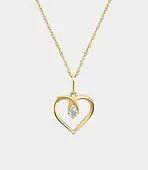

See how you look in any outfit. Dress AI models or your own photo in celebrity and designer clothing and compare styles instantly.
No learning curve. Just fast, accurate results.
Turn Your Ideas Into High-Quality Visuals. The AI Scene Builder lets you go beyond simple image generation.
You’re not just creating images—you’re constructing complete visuals with full control:
-
Combine characters, objects, and environments
-
Place clothing and accessories onto models
-
Create product mockups in custom scenes
-
Generate cinematic or story-driven visuals
-
Maintain consistent lighting, shadows, and textures
Create Scenes, Fashion Looks, and Product Visuals.
Build anything from fantasy worlds to realistic environments:
-
Landscapes and cityscapes
-
Interior scenes
-
Storytelling visuals
-
Concept art
Dress AI models or your own images instantly:
-
Add tops, bottoms, shoes, and jackets
-
Place jewellery and accessories
-
Mix and match styles
-
Test different looks in seconds
Perfect for fashion brands, designers, and influencers.
Create professional product images without a photoshoot:
-
Place products in custom environments
-
Generate branded scenes
-
Create social media content
-
Build ad-ready visuals
Why Choose Our AI Scene Builder?
-
Multi-Image Composition: Upload up to 4 images and control exactly what appears in your final result.
-
Realistic Visual Consistency: Lighting, shadows, and textures match naturally across all elements.
-
Full Creative Control: Guide the AI with prompts, layout direction, and composition ideas.
-
Fast, Professional Results: Generate production-ready visuals in seconds instead of hours.
How It Works
1. Upload Your Images
Add up to 4 images—characters, clothing, objects, or environments.
2. Describe Your Scene or Outfit
Tell the AI what’s happening.
Example:
“A cat and a dog standing in front of a village store. The cat is holding a gold coin.”
Fashion Example:
“A model wearing a white top, denim shorts, and black boots in a studio setting.”
3. Choose Your Format
-
16:9 → landscapes & cinematic scenes
-
9:16 → social media & mobile
-
1:1 → square posts
4. Generate & Refine
Click generate and instantly see your result.
Adjust your prompt or swap images to improve your output.
Works Seamlessly With Our Other AI Tools
Start with individual assets, then combine them:
-
Create stylized pets → place them into custom scenes
-
Generate AI models → dress them in different outfits
-
Build objects or products → place them into environments
Everything connects into one smooth creative workflow.
Who Is This For?
-
Graphic Designers – create concepts and visuals faster
-
Fashion Brands – test and showcase outfits instantly
-
Content Creators – generate unique social media content
-
Marketers – create ads without expensive shoots
-
Illustrators & Storytellers – bring scenes to life
No Learning Curve. Just Results.
You don’t need Photoshop or advanced tools.
Everything is designed to be simple, fast, and intuitive.
Upload → Describe → Generate
Customers who use this Purrfect AI Tool also use these:


5 Star Rating
“Seriously the easiest way to mash images into one cool scene.”
“The results are wild and it feels like having a personal designer on tap.”
“Turned a few rough pics into a pro landscape in literally seconds.”
No subscriptions • Pay-as-you-go • Full creative control
bottom of page