top of page

Image To 3D Model Generator
Use just 1 image to create a GLB file for your 3D print models. Your GLB file can be opened in Blender where you can add rigging and animation, or use 3D printing software to create model prints of your design.
.png)


_edited_edited.jpg)


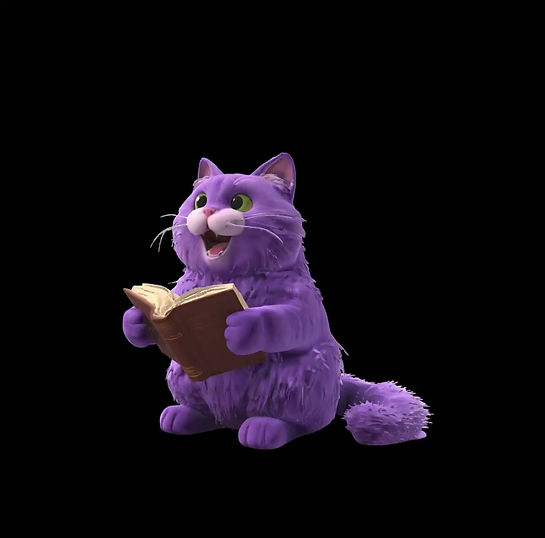
How to create 3D models from an image for 3D printing, animation and Roblox assets
No learning curve. Just fast, accurate results.
Helpful tips:
-
If you need more accuracy, use the Purrfect AI Tools Images to 3D Model Generator. If you don't have an image, use The Purrfect AI Tools Text to 3D Model Generator.
Turn Images Into Fully Usable 3D Models
The Image to 3D Model Generator converts your image into a GLB 3D file ready for use in:
-
Blender (for rigging and animation)
-
Roblox and game engines
-
3D printing software
-
Product visualization workflows
Simply upload your image and let AI generate a clean, usable 3D mesh you can refine or use immediately.
What Can You Create?
-
3D printable models
-
Roblox characters and accessories
-
Game assets and props
-
Product mockups
-
Stylized characters and objects
-
Concept models for design
How to Create a 3D Model from an Image (Step-by-Step)
1. Upload Your Image
-
Use a clear image of your subject.
2. Generate Your 3D Model
-
Our AI converts your image into a GLB file automatically.
3. Download & Use Your Model
-
Open in Blender to edit, rig, or animate
-
Import into Roblox or Unity
-
Prepare for 3D printing
-
Best Image Guidelines for High-Quality Results
To get the best 3D model output:
-
Use clear subjects on simple or transparent backgrounds
-
Choose front-facing or 3/4 angle views
-
Ensure the subject is well-lit and in focus
-
Upload high-resolution images for better detail
-
For characters, use full-body images
Why Choose Our Image to 3D Model Generator?
Fast & Simple
Turn a single image into a 3D model in seconds.
GLB Ready Output
Download industry-standard GLB files compatible with major tools.
No 3D Skills Required
No modeling, sculpting, or technical setup needed.
Flexible Use Cases
Works for 3D printing, animation, games, and design workflows.
Perfect For:
-
3D Printing – create models from images quickly
-
Game Developers – generate assets for Roblox & Unity
-
Designers – speed up concept creation
-
Content Creators – turn visuals into 3D content
-
Artists – build base meshes for refinement
From Image to 3D in Seconds
Skip hours of modeling.
Upload your image and generate a ready-to-use 3D model instantly.
Customers who use this Purrfect AI Tool also use these:


5 Star Rating
“This is the easiest way I’ve found to convert an image into a 3D model for games and design.”
“Perfect for turning images into Roblox assets without needing any 3D modeling skills.”
“I uploaded a single image and got a clean 3D model I could open straight in Blender.”
No subscriptions • Pay-as-you-go • Full creative control
bottom of page